Arcade games
Air Hockey
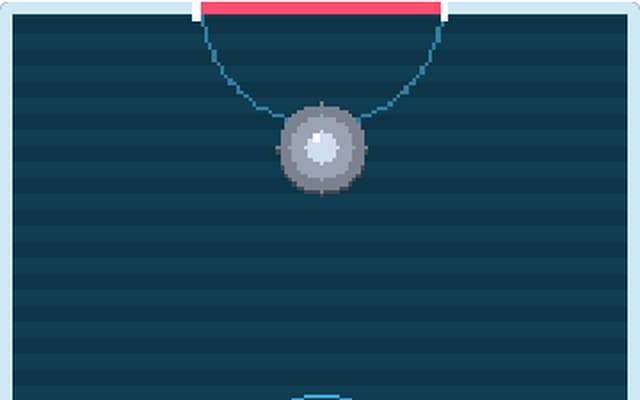
Slide your paddle and smash the puck into the other goal. Play the computer, or a friend.
Solo
Head to head
Up to 2 players
How to play
- Move the mouse (or drag your finger) to slide your paddle around your half of the table and hit the puck into the goal at the far end.
- First to the number of goals you choose wins.
- Play against the computer on Easy, Normal or Hard, or play a friend: the host presses Start once your friend has joined.
- Playing a friend needs live updates to be switched on by the site owner.
Badges to earn
First gameFace Off
First winGoal Scorer
Ten winsPuck Champion
Play Air Hockey Back to the list
Alien Wave
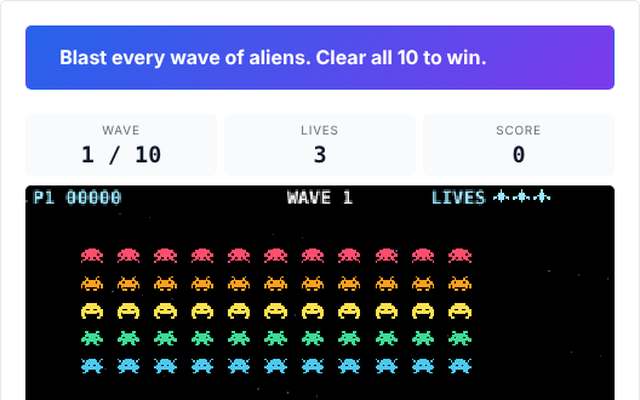
A classic arcade shooter. Blast waves of coloured aliens on your own, or team up with a friend and share the lives.
Solo
Co-op
Up to 2 players
How to play
- Aliens march across the screen and drop lower each time they reach the edge, and they fire back.
- Move your ship left and right and shoot them all before they reach the ground.
- Hide behind the shields, but remember that they wear away.
- Each row of aliens is a different colour and worth different points, and a bonus saucer flies across the top now and then.
- Clear ten waves to win.
- Play Solo, or play Co-op with one friend: you each fly your own ship and share the lives.
- Use the Left and Right arrow keys (or A and D) to move and Space to fire, or the buttons on a phone.
- Co-op needs live updates to be switched on by the site owner.
- The host presses Start once everyone has joined, and the lights count down to green.
Badges to earn
First gameFirst Contact
First winInvasion Stopped
Ten winsAlien Ace
Play Alien Wave Back to the list
Barrel Climb
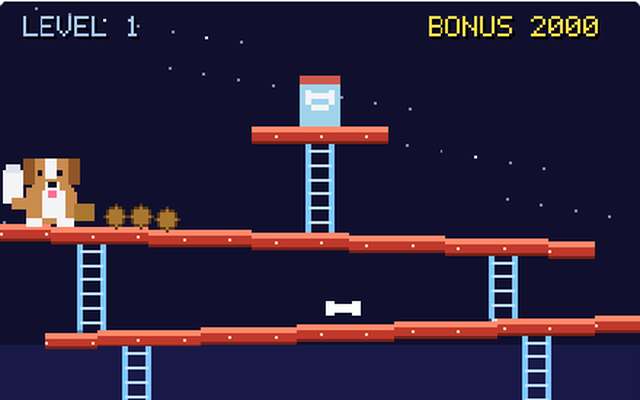
Penny has stolen the treats and is rolling barrels at you! Climb the girders as Hugo, hop the barrels and get them back.
Solo
Co-op
Up to 2 players
How to play
- Use the left and right arrows to walk, up and down to climb a ladder and Space to jump over barrels (on a phone use the buttons).
- Reach the treats at the top to clear the level.
- Hop over a barrel for bonus points, and grab the super bone to smash barrels for a few seconds.
- Touch a barrel and you lose a life.
- Clear five levels to win.
- Choose Easy, Normal or Hard.
- Play Solo, or play Co-op with one friend: two Hugos climb together and share the lives.
- Co-op needs live updates to be switched on by the site owner.
- The host presses Start once everyone has joined.
Badges to earn
First gameClimbing Up
First winPenny's Nemesis
Ten winsBarrel Boss
Play Barrel Climb Back to the list
Basketball
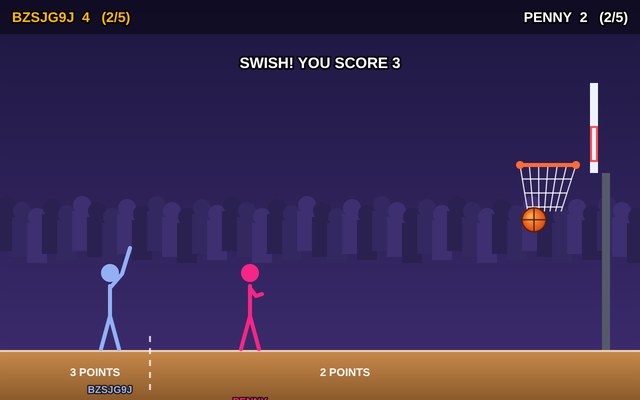
Pull back and shoot hoops with a stick figure player. Take turns against Hugo or Penny, or against a friend.
Solo
Head to head
Up to 2 players
How to play
- Move your player by dragging him along the floor, or use the arrow buttons.
- Past the dashed line a shot is worth 3 points, closer in it is worth 2.
- To shoot, press on the ball and pull back like a catapult: the longer the pull, the harder the shot, and the dotted line shows where the first part of the shot goes.
- Let go and he throws.
- The ball bounces off the rim and the backboard.
- Take 3, 5 or 10 shots each and the most points wins.
- A tie ends with one extra shot each.
Badges to earn
First gameFirst Basket
First winSwish
Ten winsHot Hand
Play Basketball Back to the list
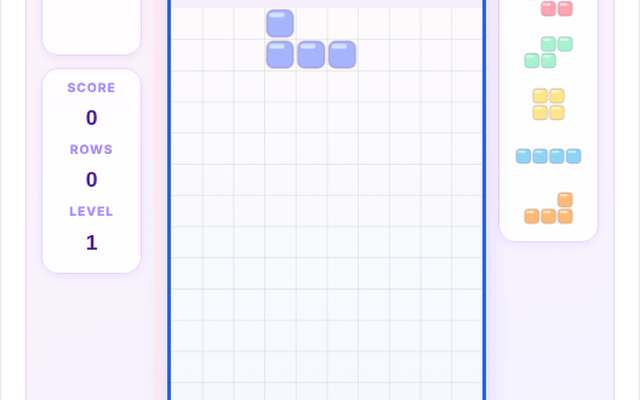
Block Battle
Falling blocks, head to head. Clear lines to send junk rows to your rivals and be the last one standing. 2 to 6 players.
Solo
Head to head
Group of 3 or more
Up to 6 players
Play the computer
How to play
- Everyone plays their own board at the same time with the same pieces.
- Move and turn the falling piece and drop it to fill complete rows.
- Clearing 2, 3 or 4 rows at once sends junk rows to the rival with the tallest stack, and clearing rows cancels junk heading your way.
- Keep your stack below the top.
- The last player standing wins.
- On a keyboard use the arrow keys to move and drop gently, Up or X to turn, Z to turn the other way, Space to drop straight down and C to hold a piece.
- On a phone use the buttons under the board.
- The host presses Start once everyone has joined.
Badges to earn
First gameBlock Starter
First winLine Clearer
Ten winsStack Master
Play Block Battle Back to the list
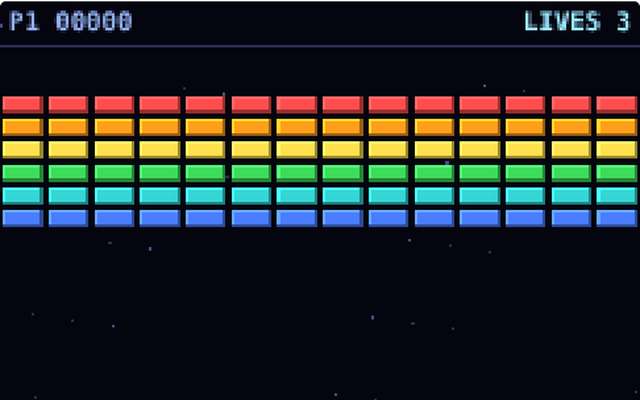
Brick Bounce
Bounce the ball off your paddle and smash every brick. Play on your own, or team up with a friend with two paddles and shared lives.
Solo
Co-op
Up to 2 players
How to play
- Move your paddle with the Left and Right arrow keys (or A and D), or the buttons on a phone, and bounce the ball up at the bricks.
- Press Up or Space to launch the ball, or wait a moment and it launches itself.
- Where the ball hits the paddle decides the way it goes.
- Silver bricks take two hits.
- Some bricks drop capsules: catch them with the paddle.
- W makes your paddle wider, M splits the ball into more balls, S slows the ball down and L gives an extra life.
- If every ball falls past the paddle you lose a life.
- Smash every brick to clear the level, and clear five levels to win.
- Play Solo, or play Co-op with one friend: you each have a paddle in your own colour, and you share the ball, the bricks and the lives.
- Co-op needs live updates to be switched on by the site owner.
- The host presses Start once everyone has joined, and the countdown begins.
Badges to earn
First gameFirst Bounce
First winWall Breaker
Ten winsBrick Boss
Play Brick Bounce Back to the list
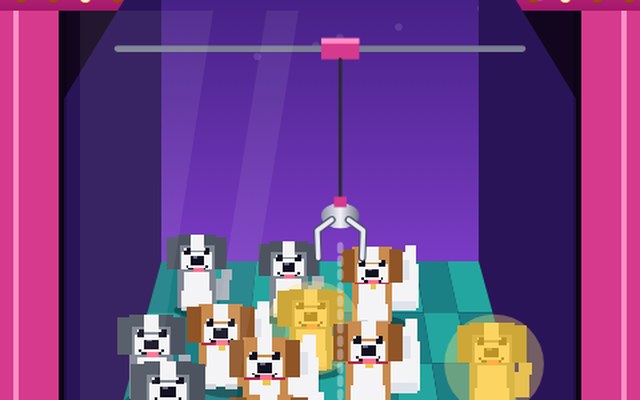
Claw Machine
Steer the claw in a 3D prize pit and grab plush Hugo and Penny dogs. Carry them to the chute to win.
Solo
Up to 2 players
How to play
- Steer the claw with the arrow keys, the buttons, or by dragging over the pit.
- The dark circle on the floor shows where the claw will land, so line it up with a toy and press Drop.
- The claw closes and lifts the toy, then carries it to the PRIZE chute at the front left.
- Be quick and careful: the claw can slip, and the further off centre you grab, the weaker the grip.
- Plush Hugo and Penny are worth 100, bones 30, balls 20 and the rare golden Hugo 500.
Badges to earn
First gameFirst Grab
First winPlush Collector
Ten winsClaw Master
Play Claw Machine Back to the list
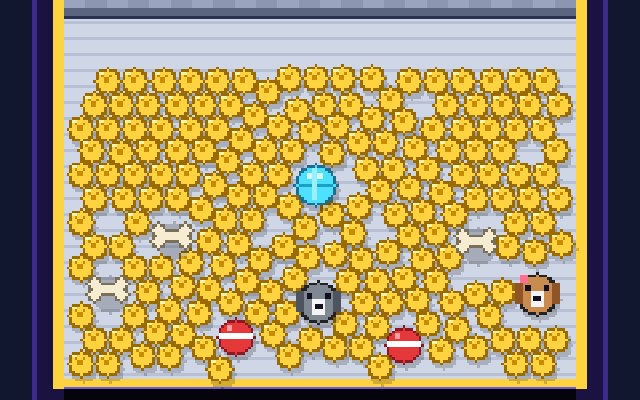
Coin Pusher
Drop Doggo Coins onto the pusher and shove the pile over the edge. Win coins, prizes and Hugo and Penny plushies.
Solo
Up to 2 players
How to play
- Move the dropper left and right with the arrow keys or the mouse (or your finger), then press Space, click or tap to drop a Doggo Coin.
- Your coins land on the shelf and the pusher slides them onto the table, pushing the pile towards the edge.
- Every coin that tips over the front lands in your tray, goes back into your pocket and scores 10 points.
- Prizes are worth much more: a bone is 50, a ball 100, the Hugo and Penny plushies 250 and the big gem 500.
- The game ends when you run out of coins or after four minutes.
- Easy gives you 30 coins to start, Normal 20 and Hard 12.
- Solo only.
Badges to earn
First gameFirst Coin
First winCoin Collector
Ten winsPusher Pro
Play Coin Pusher Back to the list
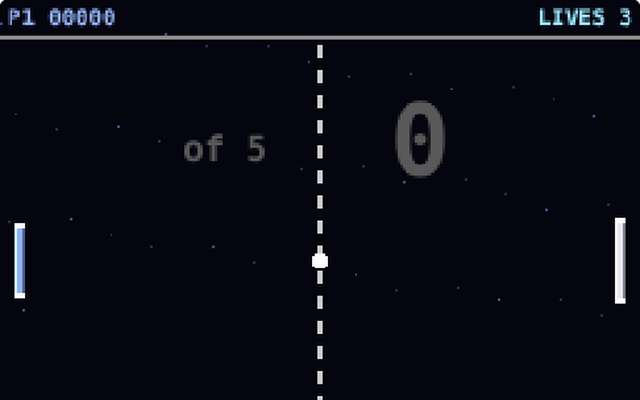
Colour Pong
The classic bat and ball game with a ball that changes colour every time it hits something. Take on the computer, or play a friend head to head.
Solo
Head to head
Up to 2 players
How to play
- Move your bat up and down with the Up and Down arrow keys (or W and S), or the buttons on a phone, and send the ball past the computer's bat on the right.
- Where the ball hits your bat decides the angle it flies off at, and every hit makes the rally a little faster.
- The ball, the walls and the net change colour every time the ball hits something.
- Get 5 points to beat the computer and clear the level.
- If the ball gets past you, you lose a life.
- Clear five levels to win, as the computer gets quicker each time.
- Play against the computer, or play a friend head to head: player 1 is on the left and player 2 on the right, and the first to the number of points you choose (5, 7 or 10) wins.
- Playing a friend needs live updates to be switched on by the site owner.
- The host presses Start once your friend has joined, and the countdown begins.
Badges to earn
First gamePing!
First winPong Winner
Ten winsPaddle Pro
Play Colour Pong Back to the list
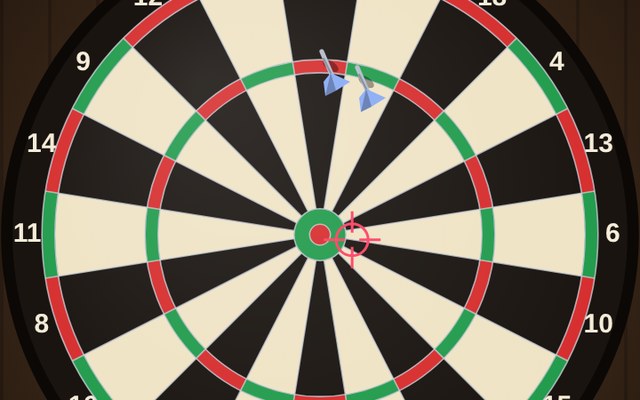
Darts
A real dartboard. Count down from 501 or 301 against Hugo or Penny, or take turns with a friend.
Solo
Head to head
Up to 2 players
How to play
- Press and drag on the board to move the crosshair, then let go to throw.
- It sways, so time your release.
- Each turn is three darts.
- Count down from 301 or 501 to exactly zero.
- With double out on, your last dart must land in a double, and if you go too far, or leave 1, it is a bust and your score goes back to where it was at the start of the turn.
- A caller voice shouts your score, and you can turn it off before you start.
Badges to earn
First gameFirst Dart
First winTreble Trouble
Ten winsGame Shot
Play Darts Back to the list
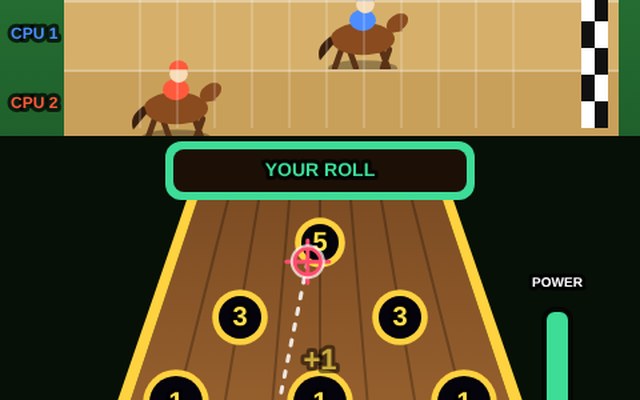
Derby Race
A long, flat Skee Ball lane with six holes. Every ball that drops in sends your horse galloping. First to the line wins the Derby.
Solo
Up to 2 players
How to play
- Drag the ball sideways to place it, then drag on the lane to aim the dotted line, like in pool.
- Pull the power slider down the right side and let go to roll.
- The ball drops into the first hole in its path: the small hole at the back moves your horse 5 places, the two in the middle 3 and the three at the front 1.
- To reach the 5 you have to place and aim through the gaps.
- You take turns with three computer horses, and the first horse to the checkered line, 12 places along, wins the Derby.
Badges to earn
First gameOut of the Gate
First winPlace Getter
Ten winsDerby Winner
Play Derby Race Back to the list
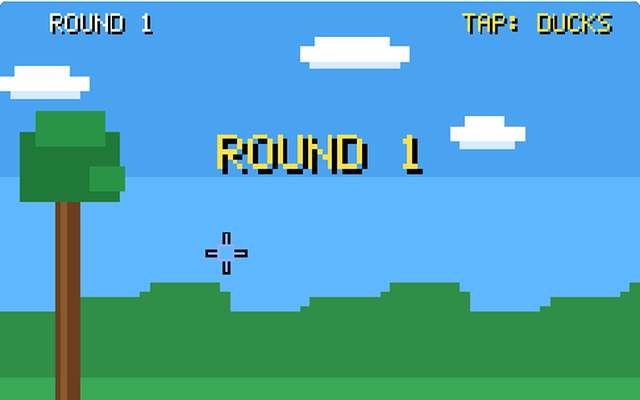
Duck Shoot
Shoot the ducks or clay pigeons with the mouse or your finger, and watch out for Hugo the dog. Play on your own, or share the screen with a friend.
Solo
Co-op
Up to 2 players
How to play
- Aim with the mouse (or your finger) and click or tap to shoot, or use the arrow keys and Space.
- Each pair of targets gets three shots, and ten targets make a round.
- Hit enough of them to clear the round, and clear five rounds to win.
- Miss too many and you lose a life, and Hugo the dog laughs at you.
- Choose ducks, clay pigeons or a mix, and Easy, Normal or Hard.
- Play Solo, or play Co-op with one friend: you each have a crosshair in your own colour on the same screen and share the lives.
- Co-op needs live updates to be switched on by the site owner.
- The host presses Start once everyone has joined, and the countdown begins.
Badges to earn
First gameDuck Duck Shoot
First winSharp Shooter
Ten winsDead Eye
Play Duck Shoot Back to the list
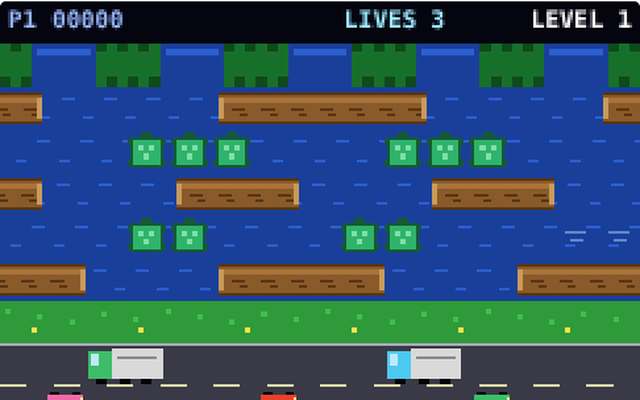
Frog Crossing
Hop your frog across a busy road and a fast river to reach the homes. Play on your own, or team up with a friend and share the lives.
Solo
Co-op
Up to 2 players
How to play
- Hop your frog across five lanes of traffic and then a river, and fill all five homes along the top.
- Use the Left, Right, Up and Down arrow keys (or W, A, S and D) to hop, or the buttons on a phone.
- Cars and trucks squash frogs, and in the river you must land on a log or a turtle, because the water is deadly.
- Riding a log carries you along, so watch the edge of the screen.
- Turtles dive now and then, so don't get caught on one going under.
- Each home takes one frog, and a fly sitting in a home is a bonus.
- Reach a home before your time bar runs out.
- Fill all five homes to clear the level, and clear five levels to win.
- Play Solo, or play Co-op with one friend: you each have a frog in your own colour and share the lives.
- Co-op needs live updates to be switched on by the site owner.
- The host presses Start once everyone has joined, and the countdown begins.
Badges to earn
First gameHop to It
First winSafe Crossing
Ten winsFrog Legend
Play Frog Crossing Back to the list
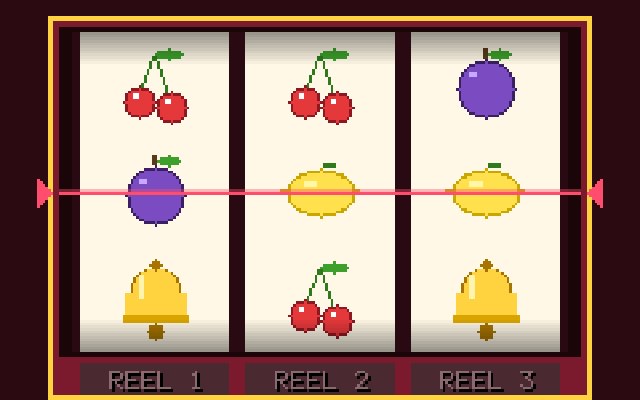
Fruit Machine
A classic pub-style fruit machine with holds and nudges. Play credits only, no real money, ever.
Solo
Up to 2 players
How to play
- You start with play credits and every spin costs one.
- Press Spin and the three reels stop one after another.
- Match symbols on the middle line to win: three Sevens pay 100, three Bones (Hugo's favourite) pay 60, three Bars 40, three Bells 25, three Plums 15, three Lemons 10, three Cherries 8, and two Cherries or even one Cherry pay a little.
- After some spins the HOLD lights come on: press the numbers 1, 2 or 3 (or the buttons) to keep a reel for the next spin.
- Other times you get NUDGES, so press a reel number to move that reel down one place and make a win.
- Press Collect when you want to stop and bank your credits.
- The game also ends when you run out.
- Everything is play credits for fun: there is no real money, no prizes and no way to buy credits.
- Solo only.
Badges to earn
First gameFirst Spin
First winLucky Streak
Ten winsJackpot Hunter
Play Fruit Machine Back to the list
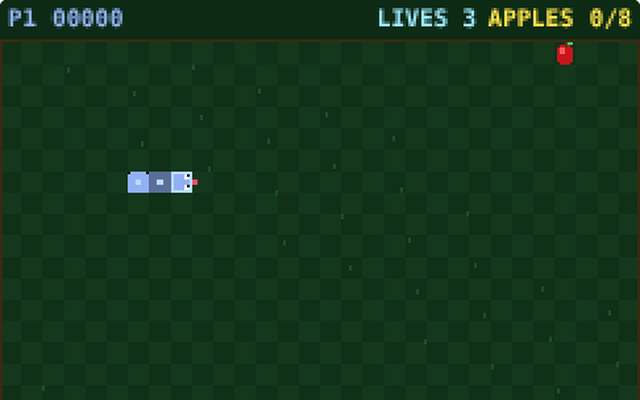
Garden Snake
Slither around the garden eating apples and growing longer. Play on your own, or share the board with a friend and share the lives.
Solo
Co-op
Up to 2 players
How to play
- Steer your snake around the garden and eat the apples to grow.
- Use the Left, Right, Up and Down arrow keys (or W, A, S and D) to turn, or the buttons on a phone.
- Hitting a wall, your own body or the other snake costs a life, and the snake starts again, short, after a moment.
- Eat the apples to clear each level, and grab the golden star for a big bonus before it disappears.
- Later levels have walls and run faster.
- Clear five levels to win.
- Play Solo, or play Co-op with one friend: you each have a snake in your own colour on the same board and share the lives.
- Co-op needs live updates to be switched on by the site owner.
- The host presses Start once everyone has joined, and the countdown begins.
Badges to earn
First gameGarden Wiggle
First winFully Grown
Ten winsGarden Master
Play Garden Snake Back to the list
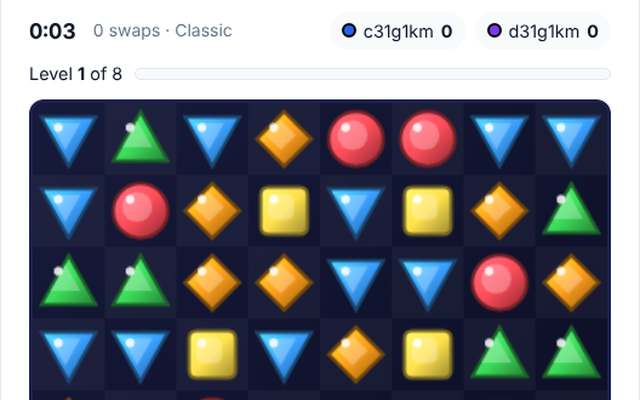
Gem Match
A match-three gem game with Classic levels and a relaxing Endless mode. Play on your own, or share one board with a friend.
Solo
Co-op
Up to 2 players
How to play
- Swap two neighbouring gems to line up three or more of the same colour.
- Tap a gem and then tap a neighbour, or drag a gem towards its neighbour.
- Matches pop, gems fall, and new gems drop in, and when the falling gems make more matches you get a chain and bigger points.
- Four in a line makes a Flame Gem that blows up the gems around it.
- Five in a line, or a cross of matches, makes a Hyper Gem: swap it with any gem to clear every gem of that colour.
- Choose Classic, where clearing gems fills the bar to go up a level, the game ends when no swaps are left, and clearing level 8 wins, or Endless, which never ends, reshuffles the board when you are stuck and lets you finish whenever you like.
- Use Hint if you cannot see a move.
- Play Solo, or play Co-op with one friend: you share one board and both swap gems at the same time, and the score shows who did what.
- The host presses Start once everyone has joined.
Badges to earn
First gameGem Spotter
First winGem Collector
Ten winsJewel Master
Play Gem Match Back to the list
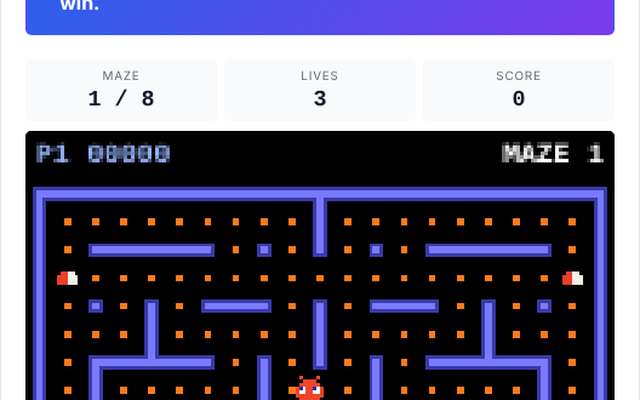
Maze Munch
Gobble every dot in the neon maze while the bugs chase you. Play on your own, or team up with a friend and share the lives.
Solo
Co-op
Up to 2 players
How to play
- Steer your muncher round the maze with the arrow keys (or W, A, S and D) and eat every dot to clear it.
- Four bugs patrol the maze and chase you in different ways, and touching one costs a life.
- Eat a power pill and the bugs turn blue and scared for a few seconds, so you can chase and eat them for bonus points, and each one eaten in a row is worth double the last.
- Fruit sometimes appears in the middle for extra points.
- The side tunnel lets you slip from one edge to the other.
- Clear all eight mazes to win.
- Play Solo, or play Co-op with one friend: you each steer a muncher in your own colour and share the lives.
- Co-op needs live updates to be switched on by the site owner.
- The host presses Start once everyone has joined, and the countdown begins.
Badges to earn
First gameFirst Munch
First winMaze Cleared
Ten winsMaze Master
Play Maze Munch Back to the list

Pinball
Flip your way through five tables on your own. Light the lanes for a multiplier.
Solo
Up to 2 players
How to play
- Use the left and right flippers to keep the ball in play.
- Hold the plunger to launch.
- Reach the goal score on each table to clear it.
Badges to earn
First gameInsert Coin
First winPinball Wizard
Ten winsFlipper Fan
Play Pinball Back to the list
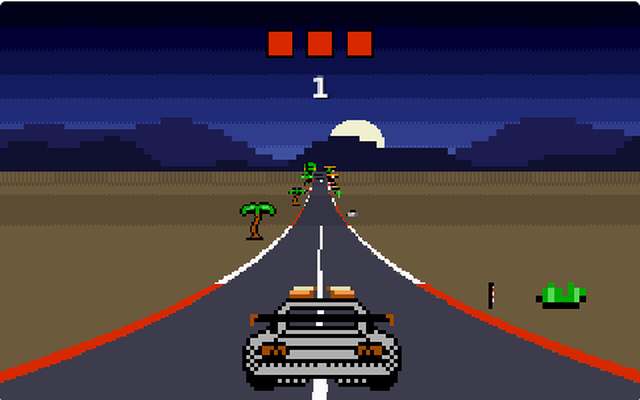
Road Rush
An arcade driving game. Steer with Left and Right, race the clock on your own, or race your friends on the same road.
Solo
Head to head
Group of 3 or more
Up to 6 players
Play the computer
How to play
- You only steer: the car looks after its own speed, so use the Left and Right arrow keys, or the Left and Right buttons on a phone.
- Stay on the road, weave past the other cars and do not hit the roadside.
- Slow cars and the grass cost you speed, and a big mistake sends you into a crash.
- In Solo you race the clock: every checkpoint you pass adds time, and you win by reaching the end before the time runs out.
- In a Race everyone drives the same course at the same time and the first across the line wins.
- Pick a level, a course length and your car, and turn the sound and music on or off whenever you like.
- The host presses Start once everyone has joined, and the lights count down to green.
Badges to earn
First gameEngines On
First winChequered Flag
Ten winsSpeed Demon
Play Road Rush Back to the list
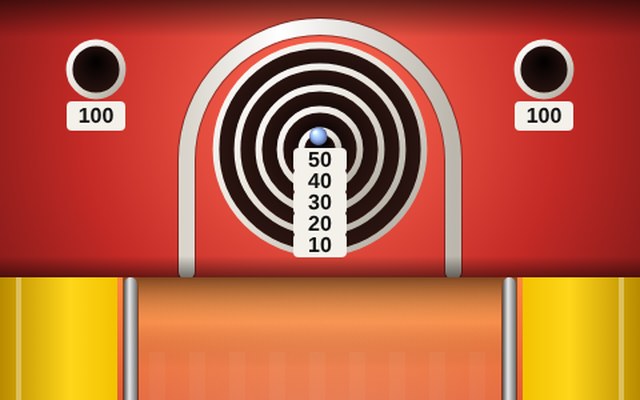
Skee Ball
Roll nine balls up the lane and into the rings. Chase a high score, beat the computer, or play a friend.
Solo
Head to head
Up to 2 players
How to play
- Drag back from the ball like a slingshot and let go to roll it up the lane.
- The harder you pull, the faster it goes.
- Too soft and it rolls back down, too hard and it jumps right over the rings.
- Aim for the small middle ring for 50, and the two top corner holes are worth 100.
- Or use the left and right arrows to aim, hold Space to charge the power meter and let go to roll.
- You get nine balls.
- Play Solo to chase a high score (and switch on the computer opponent if you fancy a race), or play a friend: you take turns on the same lane and the higher total wins.
- Playing a friend needs live updates to be switched on by the site owner.
- The host presses Start once everyone has joined.
Badges to earn
First gameRoll Up
First winTop Roller
Ten winsSkee Master
Play Skee Ball Back to the list
Sky Guard
Defend your six cities from a rain of enemy missiles. Play on your own, or share the screen with a friend.
Solo
Co-op
Up to 2 players
How to play
- Aim with the mouse (or your finger) and click or tap to fire a missile from the nearest silo.
- It explodes where you aimed and takes out any enemy missile inside the blast.
- Each silo has a limited number of missiles.
- Lose all six cities and the game is over.
- Survive five waves to win, and a city is rebuilt after every wave.
- Choose Easy, Normal or Hard.
- Play Solo, or play Co-op with one friend: you each have a crosshair in your own colour and share the cities.
- Co-op needs live updates to be switched on by the site owner.
- The host presses Start once everyone has joined.
Badges to earn
First gameSky Watch
First winSkies Cleared
Ten winsSky Guardian
Play Sky Guard Back to the list
Space Rocks
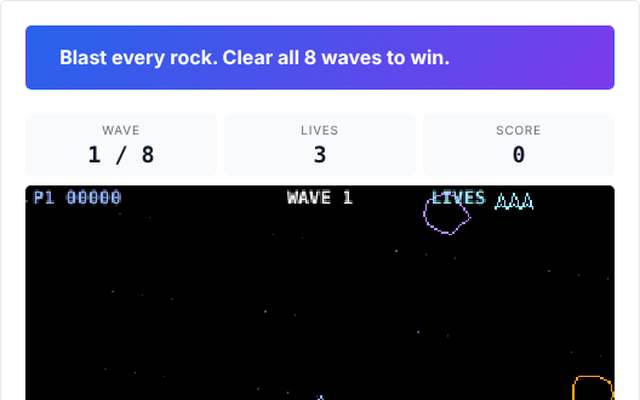
Fly your ship through colourful drifting rocks and blast them apart. Play on your own, or team up with a friend and share the lives.
Solo
Co-op
Up to 2 players
How to play
- Your ship floats through space and the rocks drift all around.
- Turn with the Left and Right arrow keys (or A and D), thrust forward with the Up arrow (or W) and fire with Space, or use the buttons on a phone.
- Shoot a big rock and it breaks into two medium ones, and those break into small ones.
- Every size is a different colour and worth different points, so the small ones are worth the most.
- Everything wraps round the edges of the screen, so keep an eye out behind you.
- If a rock hits your ship you lose a life, and you come back with a few seconds of protection.
- Clear eight waves to win.
- Play Solo, or play Co-op with one friend: you each fly a ship in your own colour and share the lives.
- Co-op needs live updates to be switched on by the site owner.
- The host presses Start once everyone has joined, and the countdown begins.
Badges to earn
First gameRock Dodger
First winAsteroid Cleaner
Ten winsRock Star
Play Space Rocks Back to the list
Stick Fighters
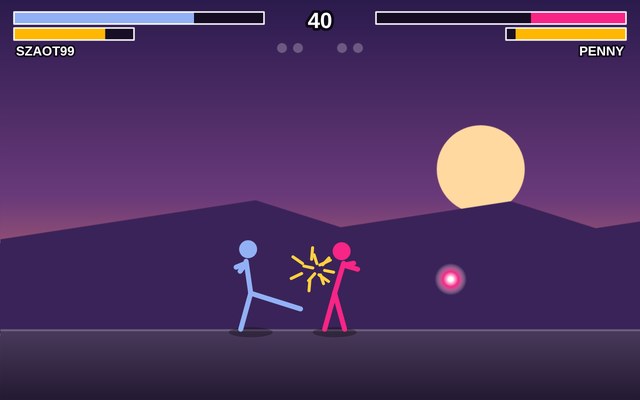
A stick figure fighting game. Punch, kick, block and throw fireballs against Hugo or Penny, or against a friend.
Solo
Head to head
Up to 2 players
How to play
- Walk with the left and right arrows, jump with Up and duck with Down.
- Z punches, X kicks and C blocks, and a block takes much less damage.
- Every hit you land or take fills your special bar, and when it is half full, V throws a fireball.
- A round lasts 60 seconds, and if time runs out the fighter with more health wins the round.
- Win 1, 2 or 3 rounds to win the fight.
- On a phone, use the buttons under the court, and you can hold two at once, such as walking and punching.
Badges to earn
First gameFirst Blood
First winFireball
Ten winsFlawless
Play Stick Fighters Back to the list
Board games
Battleship
Hide your fleet, hunt your friend's ships and sink them all.
Solo
Head to head
Up to 2 players
Play the computer
How to play
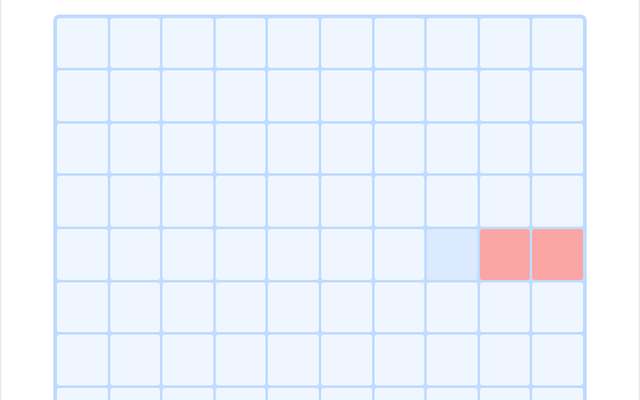
- Both players secretly place five ships on a 10 by 10 grid, then press Ready.
- Take turns firing at a square on your opponent's grid.
- A hit shows a mark, and you are told when a ship is sunk.
- Sink the whole enemy fleet to win.
- Neither player can see the other's ships.
Badges to earn
First gameAhoy There
First winSunk!
Ten winsAdmiral
Play Battleship Back to the list
Chess
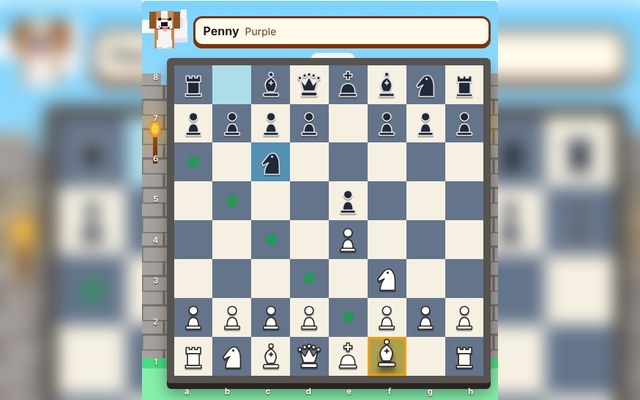
The classic game of strategy. Outwit your friend and checkmate their king.
Solo
Head to head
Up to 2 players
Play the computer
How to play
- Blue plays first.
- Pick a piece to see where it can go, then pick the square.
- Every rule is enforced for you: check, castling, en passant and promotion.
- Checkmate wins.
- Stalemate, a repeated position, the 50-move rule, too few pieces left or an agreed draw all end the game as a draw.
Badges to earn
First gamePawn Pusher
First winCheckmate
Ten winsChess Champion
Play Chess Back to the list
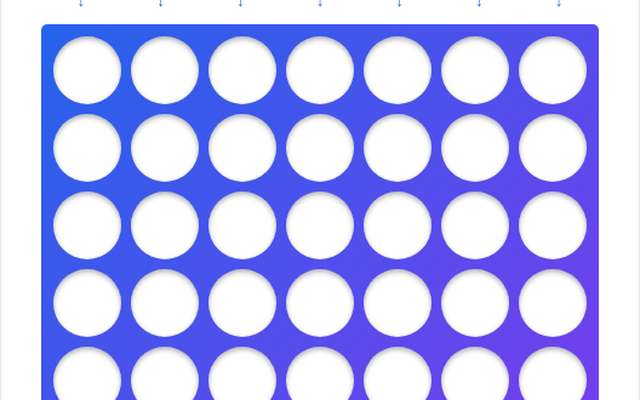
Connect 4
Drop discs and connect four in a row before your friend does.
Solo
Head to head
Up to 2 players
Play the computer
How to play
- Take turns dropping a disc into a column.
- It falls to the lowest free space.
- The first to line up four discs (across, down or diagonally) wins.
- If the grid fills up, it is a draw.
Badges to earn
First gameDropping In
First winFour in a Line
Ten winsConnect Champion
Play Connect 4 Back to the list
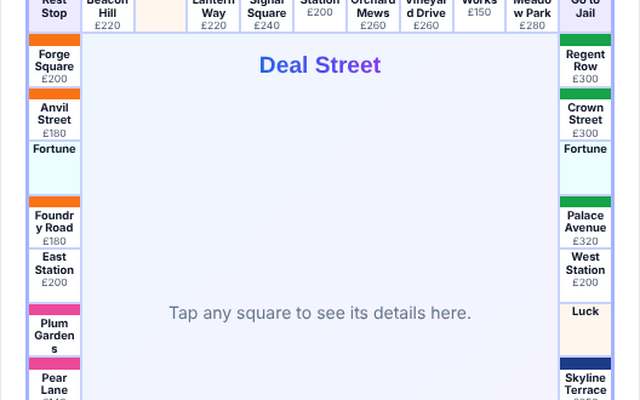
Deal Street
Buy streets, collect rent, build hotels and bankrupt your friends. 2 to 6 players.
Solo
Head to head
Group of 3 or more
Up to 6 players
Play the computer
How to play
- Everyone starts with £1500.
- Roll the dice and move round the board.
- Land on an unowned street, station or works and you can buy it, or it goes to auction where anyone can bid.
- Land on someone else's property and you pay rent.
- Own every street of a colour to double the rent and build houses and hotels for much bigger rents.
- You can mortgage properties for cash, and trade streets, cash and get out of jail free cards with other players at any time on your turn.
- Doubles give you another roll, but three in a row sends you to jail.
- The host can choose to play with one die instead, which means no doubles, and a 6 gets you out of jail.
- If you cannot pay what you owe, you are bankrupt and out.
- The last player left wins.
- The host presses Start once everyone has joined.
Badges to earn
First gameProperty Starter
First winDeal Maker
Ten winsStreet Tycoon
Play Deal Street Back to the list
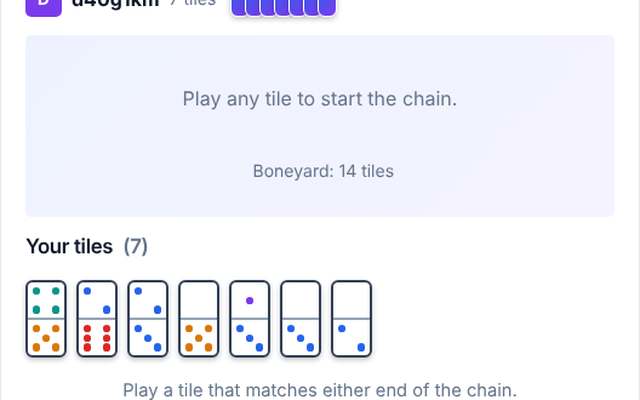
Dominoes
Match the dots, build the chain and be first to play your last tile.
Solo
Head to head
Up to 2 players
Play the computer
How to play
- You each get seven tiles.
- Play a tile that matches the number at either end of the chain.
- If you cannot play, draw from the boneyard until you can.
- Play your last tile to win.
- If nobody can play, the player with the fewest dots left wins.
Badges to earn
First gameDomino Debut
First winChain Maker
Ten winsDomino King
Play Dominoes Back to the list
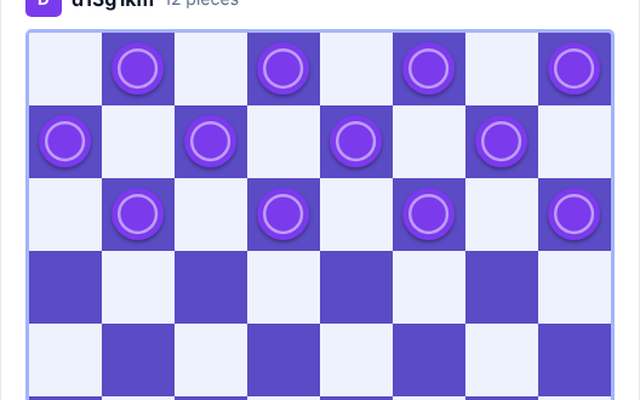
Draughts
Classic draughts (checkers). Jump your friend's pieces and crown your kings.
Solo
Head to head
Up to 2 players
Play the computer
How to play
- Blue moves first.
- Pick a piece to see where it can go.
- Pieces move one square diagonally forward, and you must jump an enemy piece whenever you can, carrying on if you can jump again.
- A piece that reaches the far side becomes a king and can move backwards too.
- Win by capturing every enemy piece or leaving your friend with no move.
- You can offer a draw, and the game is drawn after 40 moves each with no capture or man moving.
Badges to earn
First gameDraughts Debut
First winKing Me!
Ten winsDraughts Master
Play Draughts Back to the list

Noughts & Crosses
The classic. Get three in a row before your friend does.
Solo
Head to head
Up to 2 players
Play the computer
How to play
- Take turns placing your mark.
- First to get three in a row (across, down or diagonally) wins.
- If the grid fills up, it is a draw.
Badges to earn
First gameKnots and Kisses
First winThree in a Row
Ten winsGrid Guru
Play Noughts & Crosses Back to the list
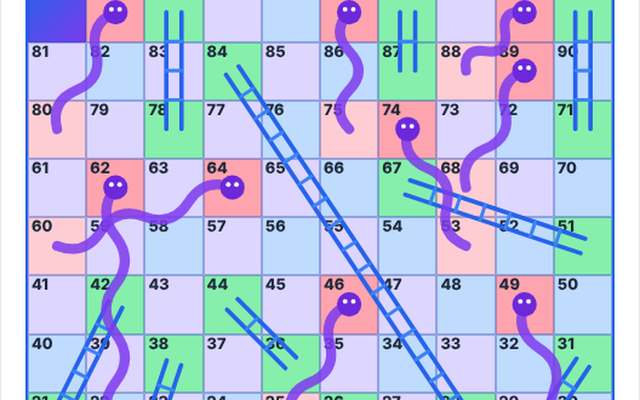
Snakes & Ladders
Roll the dice and race to square 100. Climb ladders, dodge snakes.
Solo
Head to head
Group of 3 or more
Up to 2 players
Play the computer
How to play
- Take turns to roll the dice and move your counter.
- Ladders lift you up, snakes slide you down.
- A six gives you another go.
- You must land exactly on 100 to win.
Badges to earn
First gameSlippery Start
First winLadder Climber
Ten winsSnake Charmer
Play Snakes & Ladders Back to the list
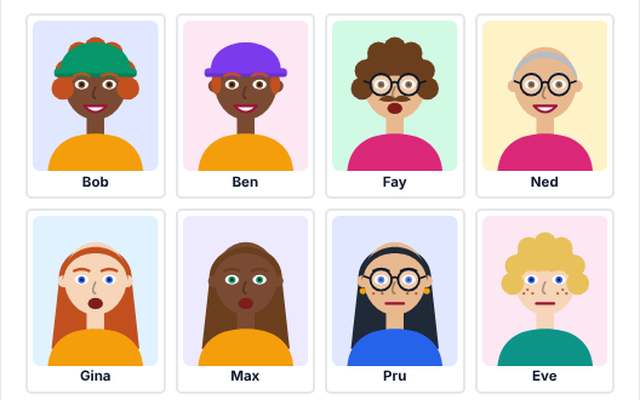
Who's Who
Pick a secret face, then ask yes or no questions to work out your friend's.
Solo
Head to head
Up to 2 players
Play the computer
How to play
- Each of you secretly chooses one face from the board.
- Take turns to ask a yes or no question about your friend's face, such as "Do they wear glasses?".
- The game answers for them.
- Tap faces to flip them down when they cannot be the one.
- When you think you know, make a guess: get it right and you win, get it wrong and your friend wins.
Badges to earn
First gameFirst Guess
First winWho Is It?
Ten winsFace Expert
Play Who's Who Back to the list
Card games
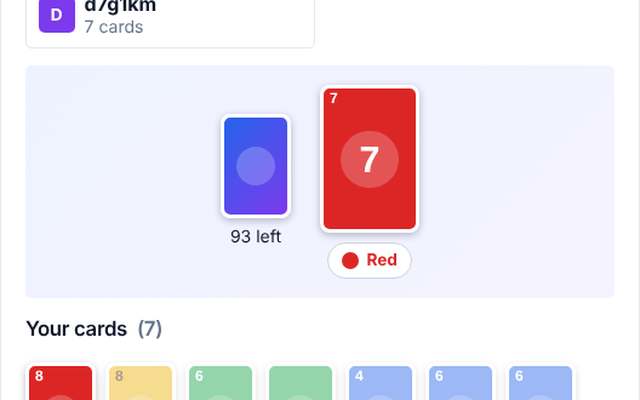
Colour Clash
A fast card game of colours and numbers for 2 to 10 players. Be first to play your last card.
Solo
Head to head
Group of 3 or more
Up to 10 players
Play the computer
How to play
- Everyone starts with seven cards.
- Play a card that matches the top card by colour or by number, or play a Wild.
- Skip makes the next player miss a turn, Reverse changes the direction of play, and Draw Two and Wild Draw Four make the next player pick up cards and miss a turn.
- No card to play?
- Draw one and play it if you can.
- The first player to get rid of every card wins.
- The host presses Start once everyone has joined.
Badges to earn
First gameColour Curious
First winClash Winner
Ten winsColour Master
Play Colour Clash Back to the list
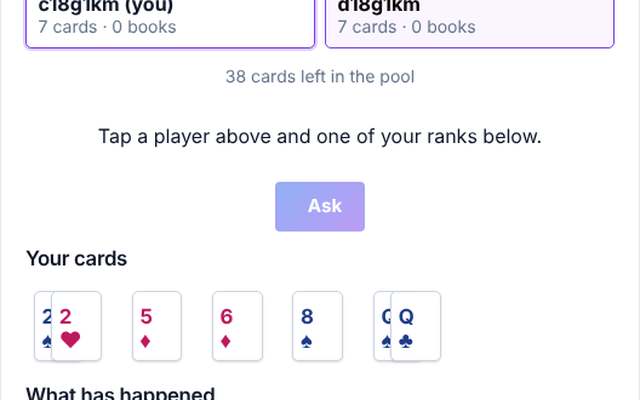
Go Fish
Ask your friends for cards and collect sets of four. 2 to 6 players.
Solo
Head to head
Group of 3 or more
Up to 6 players
Play the computer
How to play
- Everyone is dealt cards and the rest form the pool.
- On your turn, pick another player and ask for a rank you are holding, such as sevens.
- If they have any, they hand over every one and you ask again.
- If not, they say go fish and you draw from the pool.
- If you draw the rank you asked for, you go again, otherwise it is the next player's turn.
- Whenever you hold all four cards of a rank, they are laid down as a book.
- If you run out of cards you draw a fresh hand.
- When all thirteen books are made, the player with the most books wins.
- The host presses Start once everyone has joined.
Badges to earn
First gameGo Fish!
First winFull Set
Ten winsFishing Champion
Play Go Fish Back to the list
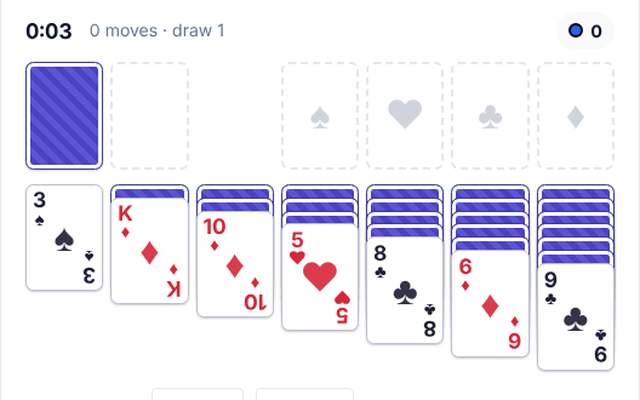
Solitaire
The classic card game of Klondike. Play on your own, or share one deal with a friend and move cards together.
Solo
Co-op
Up to 2 players
How to play
- Move every card up to the four foundations, building each suit from Ace to King.
- In the seven columns, build down in alternating colours, red on black and black on red, and only a King can go on an empty space.
- Tap a card (or the top of a stack) to pick it up, then tap where it should go.
- Double tap a card to send it straight to a foundation.
- Tap the face-down pile to draw cards, and tap it again when it is empty to turn the used cards back over.
- Use Auto to send every card that can go up to the foundations.
- Choose to draw one card or three at a time.
- Play Solo, or play Co-op with one friend: you share one deal and both move cards at the same time, and the score shows who did what.
- The host presses Start once everyone has joined.
Badges to earn
First gamePatience Begins
First winAll Cards Home
Ten winsSolitaire Sage
Play Solitaire Back to the list
Word and puzzle games
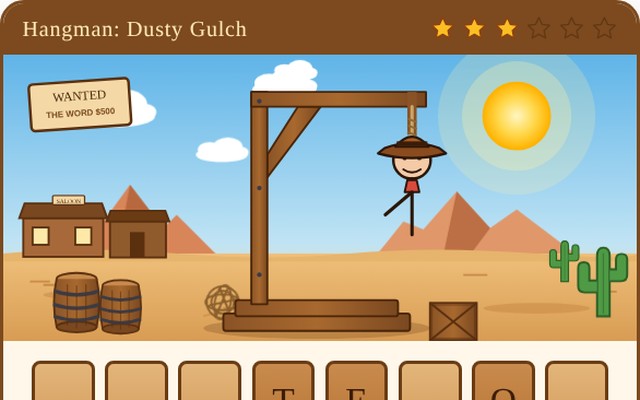
Hangman
Team up! Take turns guessing letters to save the word together.
Solo
Co-op
Up to 2 players
Play the computer
How to play
- This is a co-op game.
- You and your friend share the same lives and take turns guessing one letter each.
- Find the whole word before the lives run out and you both win.
Badges to earn
First gameHang in There
First winWord Rescue
Ten winsHangman Hero
Play Hangman Back to the list
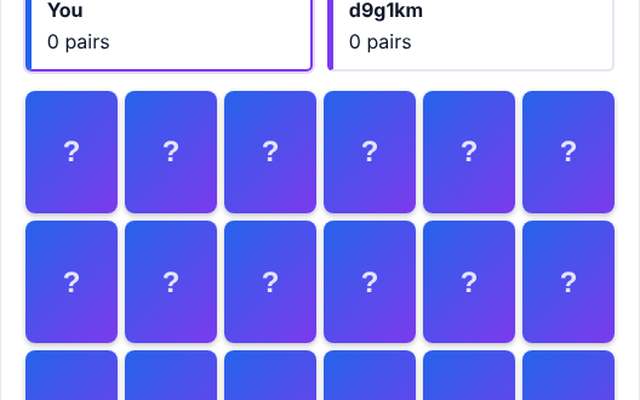
Memory Match
Flip cards, remember where they are and collect the most pairs.
Solo
Head to head
Up to 2 players
Play the computer
How to play
- Take turns to flip two cards.
- If they match, you keep the pair and go again.
- If not, they are turned back over and it is your friend's go, so remember where everything is.
- When every pair has been found, the player with the most pairs wins.
Badges to earn
First gameMemory Lane
First winPerfect Pair
Ten winsElephant Memory
Play Memory Match Back to the list
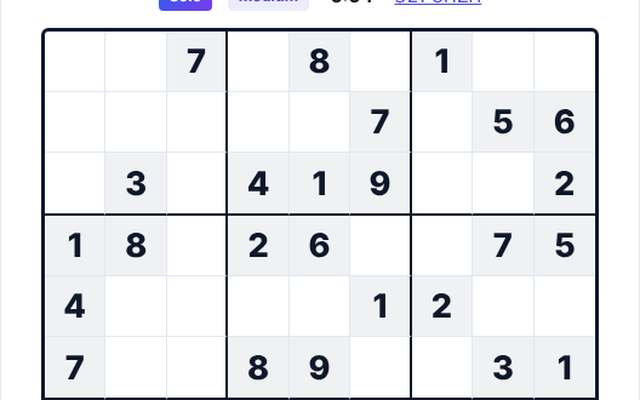
Sudoku
Endless puzzles. Play on your own, race your friends on the same puzzle, or solve one together.
Solo
Co-op
Head to head
Group of 3 or more
Up to 6 players
Play the computer
How to play
- Fill the grid so every row, every column and every 3 by 3 box contains the numbers 1 to 9 once.
- The puzzle always has exactly one answer, so you can solve it with logic and never need to guess.
- Pick a square and type a number (or tap a number below the grid).
- Switch on Notes to jot small pencil marks.
- The host chooses the way to play and presses Start.
- Solo is you against the puzzle.
- In a Race everyone has the same puzzle on their own grid and the first to finish wins.
- In Co-op everyone fills in one shared grid together.
- Check shows which numbers are wrong, and you get three hints.
- Pick a level from Easy to Expert, play the puzzle of the day, or type a puzzle code to replay one a friend has shared.
Badges to earn
First gameNumber Cruncher
First winPuzzle Solved
Ten winsSudoku Sage
Play Sudoku Back to the list
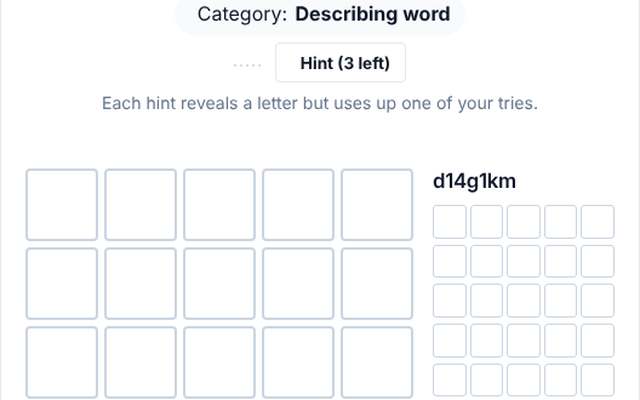
Word Duel
Race your friend to find the same hidden five letter word. Best of five rounds.
Solo
Head to head
Up to 2 players
Play the computer
How to play
- Each round there is one hidden five letter word and you both guess it at the same time, six guesses each.
- Green means the right letter in the right place, yellow means it is in the word somewhere else, and grey means it is not in the word.
- You can see how your friend is doing as colours only, never their letters.
- Finding the word in fewer guesses wins the round, and if you both need the same number the quicker player wins.
- You are told the category of the word.
- If you are stuck, a hint reveals one letter, but each hint uses up one of your six tries.
- First to win two rounds takes the game.
Badges to earn
First gameWord Warm-up
First winDuel Winner
Ten winsWordsmith
Play Word Duel Back to the list
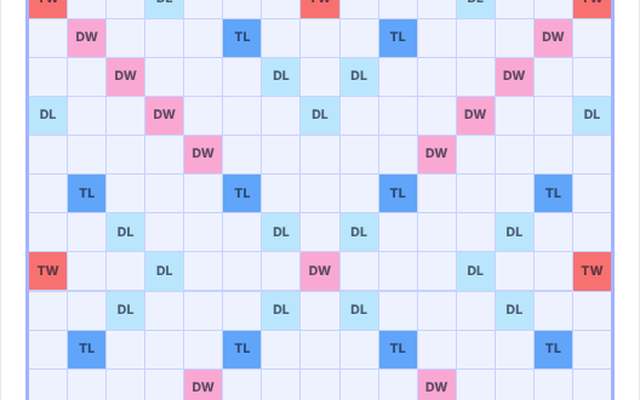
Word Tiles
Build crossing words on a shared board and score big with the premium squares. 2 to 4 players.
Solo
Head to head
Group of 3 or more
Up to 4 players
Play the computer
How to play
- Everyone has seven letter tiles.
- On your turn, place tiles in one row or one column to make a word that joins the tiles already on the board, then press Play.
- The first word must cover the centre star.
- Every word you make is scored from its letter values, and the coloured squares multiply a letter or a whole word, but only the first time a tile lands on them.
- A blank tile can stand for any letter and is worth nothing.
- Use all seven tiles in one go for a 50 point bonus.
- You can swap tiles or pass instead of playing.
- The game ends when someone uses their last tile after the bag is empty, or when everyone passes twice in a row.
- Leftover tiles count against you, and the highest score wins.
- The host presses Start once everyone has joined.
Badges to earn
First gameTile Layer
First winTriple Word Score
Ten winsTile Master
Play Word Tiles Back to the list
Sports and table games
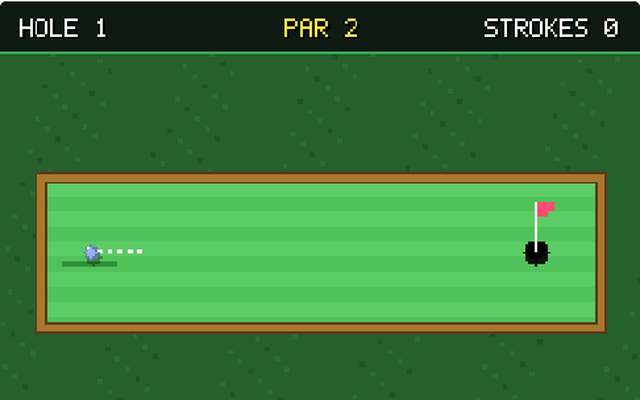
Mini Golf
Nine little holes with sand, water, bumpers and a windmill. Play on your own, or a friend on the same course.
Solo
Head to head
Up to 2 players
How to play
- Drag back from anywhere on the course like a slingshot and let go to hit the ball.
- The further you drag, the harder the hit.
- Sand slows the ball down and water costs a stroke.
- Get the ball in the cup in as few strokes as you can over nine holes.
- Play Solo, or play a friend on the same course at the same time: the fewest strokes wins.
- The host presses Start once your friend has joined, and playing a friend needs live updates to be switched on by the site owner.
Badges to earn
First gameTee Time
First winUnder Par
Ten winsPutting Pro
Play Mini Golf Back to the list
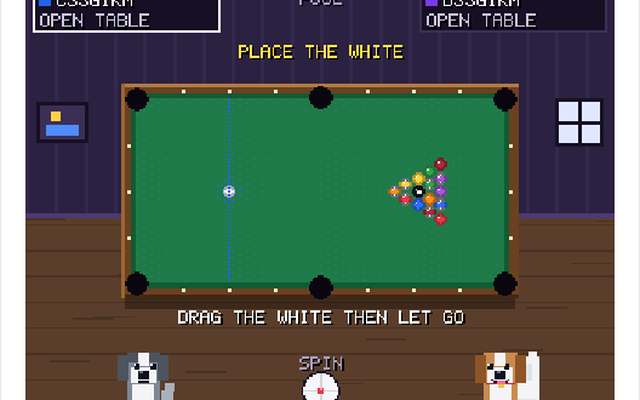
Pool
8-ball pool for two. Pot your group of balls, then the black 8, to win. Spin, fouls and all.
Head to head
Up to 2 players
How to play
- Take turns at the table.
- Move the mouse (or drag your finger) to aim, tap the little white ball at the bottom to add spin, then press and hold to charge the power and let go to shoot.
- The first player to pot a ball is given solids (1 to 7) or stripes (9 to 15), and the other player gets the rest.
- Keep your turn while you pot your own balls.
- Clear all of your group, then pot the black 8 to win.
- Pot the 8 early, or foul while potting it, and you lose.
- Fouls (potting the white, hitting the wrong ball first, or no ball reaching a cushion) give your opponent the white ball in hand anywhere on the table.
- While you wait for a friend to join you can practise on your own.
Badges to earn
First gameRack 'Em Up
First winPot the Black
Ten winsPool Shark
Play Pool Back to the list
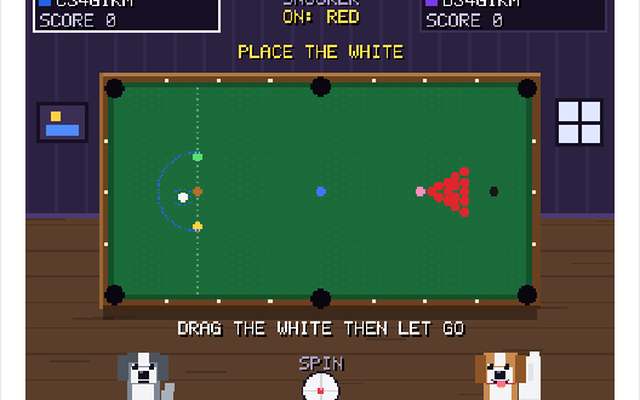
Snooker
Two players, one big table. Pot a red, then a colour, and keep building your break.
Head to head
Up to 2 players
How to play
- Take turns at the table.
- Move the mouse (or drag your finger) to aim, tap the little white ball at the bottom to add spin, then press and hold to charge the power and let go to shoot.
- Pot a red (1 point) then a colour (2 to 7 points) and keep going.
- Colours go back on the table until the reds have all gone, then pot the colours in order from yellow to black.
- A foul gives your opponent at least 4 points: potting the white, hitting the wrong ball first, potting the wrong ball or missing every ball.
- When the black is potted the highest score wins.
- While you wait for a friend to join you can practise on your own.
Badges to earn
First gameChalk Up
First winFrame Winner
Ten winsSnooker Star
Play Snooker Back to the list
Drawing and party games
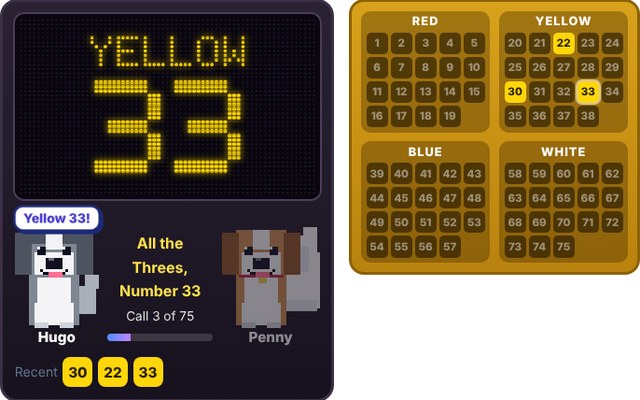
Bingo
Classic 75 ball bingo with Hugo and Penny calling the numbers. 1 to 8 players, with computer players if you like.
Solo
Head to head
Group of 3 or more
Up to 8 players
Play the computer
How to play
- Hugo and Penny take turns to call a number, shown on the big LED screen and spoken aloud as its colour then its number (red 1 to 15, yellow 16 to 30, blue 31 to 45, white 46 to 60 and green 61 to 75).
- Every player gets one, two or three freshly shuffled boards of 25 numbers.
- Each board has a Red, Yellow, Blue, White and Green column, holding the numbers of that colour in a random order, and with three boards all 75 numbers are on your boards.
- The middle square is FREE.
- A slider cover slides over each called number: with auto-daub on that happens for you, or you can switch it off and tap the numbers yourself.
- Complete a line (across, down or diagonal) on any board, or a whole board if the host chose Full board, then press the Bingo! button.
- The game checks your boards against the numbers that have really been called, so a wrong claim just pauses your button for a few seconds.
- First to a real Bingo wins.
- The host chooses the number of boards, how fast the numbers are called and what wins, and can add computer players, then presses Start.
Badges to earn
First gameEyes Down
First winBingo!
Ten winsBingo Boss
Play Bingo Back to the list
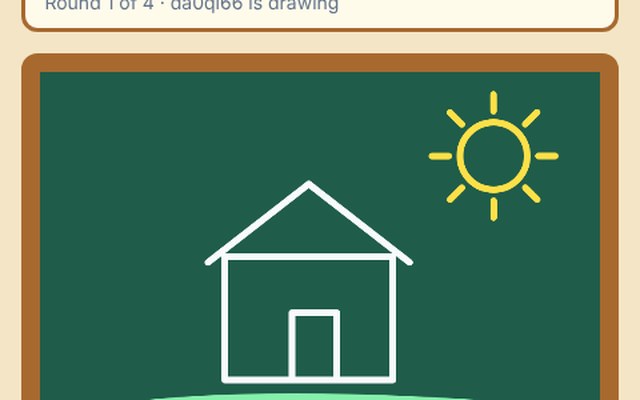
Draw & Guess
One player draws a secret word, everyone else races to guess it. 2 to 8 players.
Group of 3 or more
Head to head
Up to 8 players
How to play
- Each round one player is given a secret word and draws it (no letters or numbers!).
- Everyone else types guesses.
- A correct guess scores 10 points and the artist scores 5.
- Everyone takes a turn to draw, and the highest score wins.
- The host presses Start once everyone has joined.
Badges to earn
First gameDoodle Debut
First winSketch Star
Ten winsPawcasso
Play Draw & Guess Back to the list
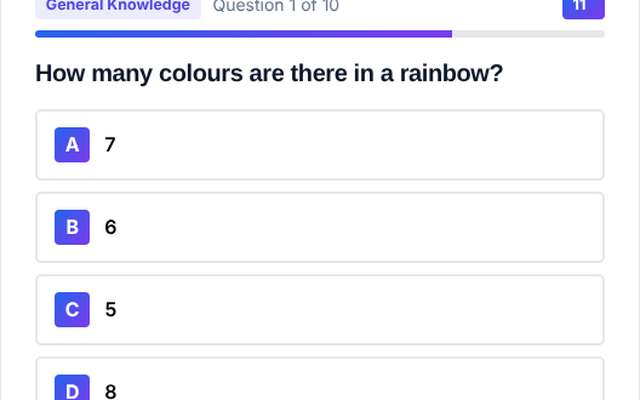
Quiz Race
Answer the same questions at the same time. Quick correct answers score the most. 2 to 10 players.
Solo
Head to head
Group of 3 or more
Up to 10 players
Play the computer
How to play
- Everyone sees the same question and picks an answer before the timer runs out.
- A correct answer scores 500 points plus up to 500 more for being quick, and a wrong or missing answer scores nothing.
- The right answer is shown after every question, and the highest score at the end wins.
- The host chooses the topics, the number of questions and the time per question, then presses Start once everyone has joined.
Badges to earn
First gameQuiz Kid
First winQuiz Winner
Ten winsTrivia Titan
Play Quiz Race Back to the list
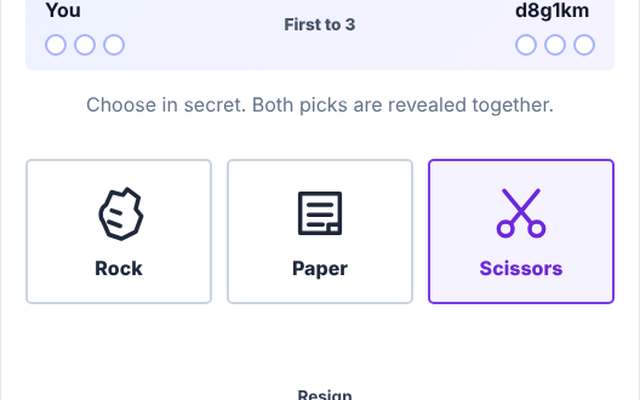
Rock Paper Scissors
Best of five. Pick in secret, reveal together, first to three wins.
Solo
Head to head
Up to 2 players
Play the computer
How to play
- Both players secretly choose rock, paper or scissors.
- When you have both chosen, the choices are revealed together.
- Rock beats scissors, scissors beat paper and paper beats rock.
- A tie is played again.
- The first player to win three rounds wins the game.
Badges to earn
First gameShake On It
First winRock Solid
Ten winsRoshambo Royalty
Play Rock Paper Scissors Back to the list
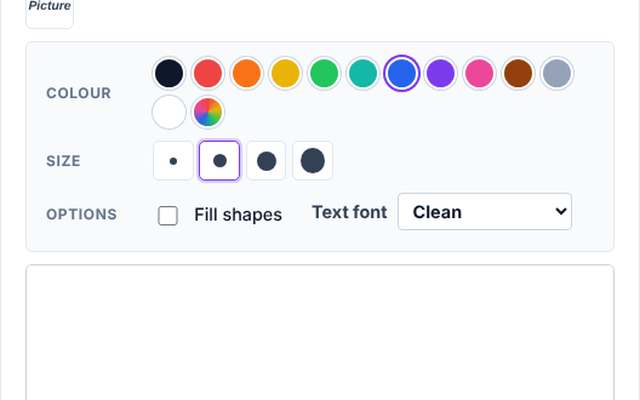
Whiteboard
A shared drawing board with pens, shapes, icons and pictures. No rules, just draw together. 2 to 8 people.
Co-op
Group of 3 or more
Up to 8 players
How to play
- There are no rules and no winner.
- Everyone draws on the same board at the same time and sees each other's changes within a second or two.
- Pick the pen, eraser, line, arrow, rectangle or circle and choose a colour and size.
- Add text, drop in icons and stickers, or upload a picture to draw over.
- Use the select tool to move things, make them bigger or smaller, recolour them or delete them.
- Undo removes your own last addition.
- Change the background to white, grid, dots or dark, and download the board as a picture whenever you like.
- The host presses Start once everyone has joined, and anyone can end the session.
Badges to earn
First gameBlank Canvas
First winBoard Winner
Ten winsWhiteboard Wizard
Play Whiteboard Back to the list
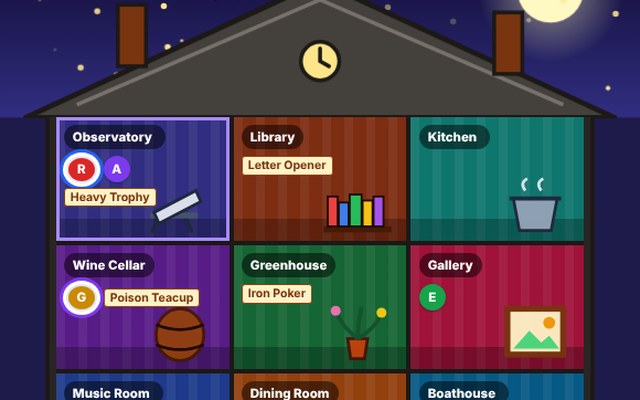
Whodunit
Somebody has been done in at the manor. Question your friends and crack the case. 2 to 6 players.
Solo
Head to head
Group of 3 or more
Up to 6 players
Play the computer
How to play
- One suspect, one weapon and one room are sealed in an envelope, and every other card is dealt out.
- On your turn you roll, move to a room within reach, and make a suggestion such as Dr Emerald with the Iron Poker in the Library.
- The next player who holds one of those cards secretly shows you one of them, and nobody else sees which.
- Use a notebook to track what you learn.
- When you are sure, make an accusation: get all three right and you win, get any wrong and you are out of the running, though you still have to show cards when asked.
- The host presses Start once everyone has joined.
Badges to earn
First gameOn the Case
First winCase Closed
Ten winsSuper Sleuth
Play Whodunit Back to the list